 Skip to content


Memories In Time
Family Relationship Charts
Family Relationship Charts
Couldn't load pickup availability
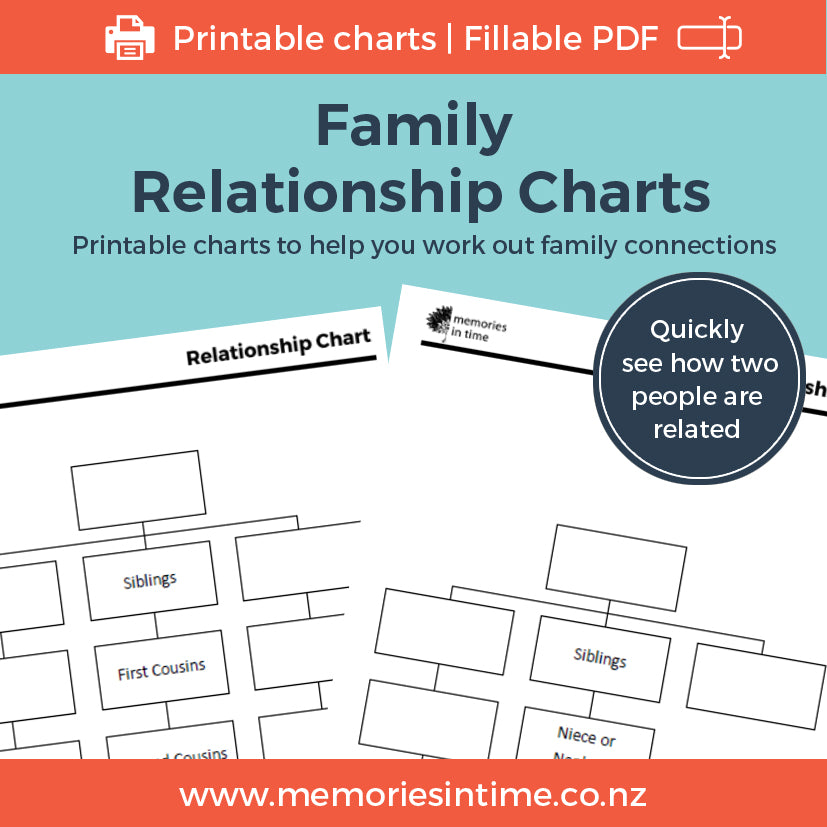
Trying to work out exactly how two people are related? These Family Relationship Charts provide a simple visual way to work out, record and share family connections.
The collection includes charts for direct relationships, aunts and uncles, nieces and nephews, and cousin relationships from first to sixth cousins, including a range of removed relationships.
Most charts are provided in two versions. Choose a chart with the relationship terms already shown and add the names from your own family to see exactly how you are connected. Or use the corresponding blank chart to create the connection yourself.
The charts are fillable PDFs, so you can type your family information directly into the boxes, save your completed chart and print it. You can also save an individual completed chart as a separate PDF, making it easy to share a family connection with a relative or DNA match. Prefer working on paper? Simply print the chart you need and complete it by hand.
The collection also includes a How are we related? reference chart, guidance on understanding relationships and removed cousins, and blank generation charts for building your own family connections.
The charts can also be useful when working with DNA matches, helping you map the lines from a common ancestor and explain the proposed relationship.
Product details
Available in A4 size
Digital download: Fillable PDF. Save the file to your computer before completing the charts. You can type directly into the charts or print the pages you need and complete them by hand.
Share
Download Instructions
Download Instructions
My digital products have an immediate download option once you purchase, but I also send you an email with a link to the downloads.
Downloads that are large or have multiple items in them will come as a Zip File. This allows me to send you one file or folder with everything you need in it.
When you download the files, these will either save to your Download folder on your computer or you may be given the choice of choosing where you download the files to (find out how to do this if you are using Google Chrome here). The main thing is to remember where you have saved them, so that you can find them again.
If your download is a Zip file then you next need to unzip it. On a PC you can right click on the file/folder name and choose "Extract All". This will then create an unzipped folder with the same name. On a Mac you can double-click on the .zip file to expand it. Once the file is unzipped you can then use it like any other file on your computer.
Subscribe to our emails
I love sending you news and tips that can help with your research and sharing family history.