 Skip to content


Memories In Time
Family History Travel Bundle
Family History Travel Bundle
Couldn't load pickup availability
Plan it. Map it. Experience it.
Turn the places in your family history into a journey with a collection of tools designed specifically for family-history travel.
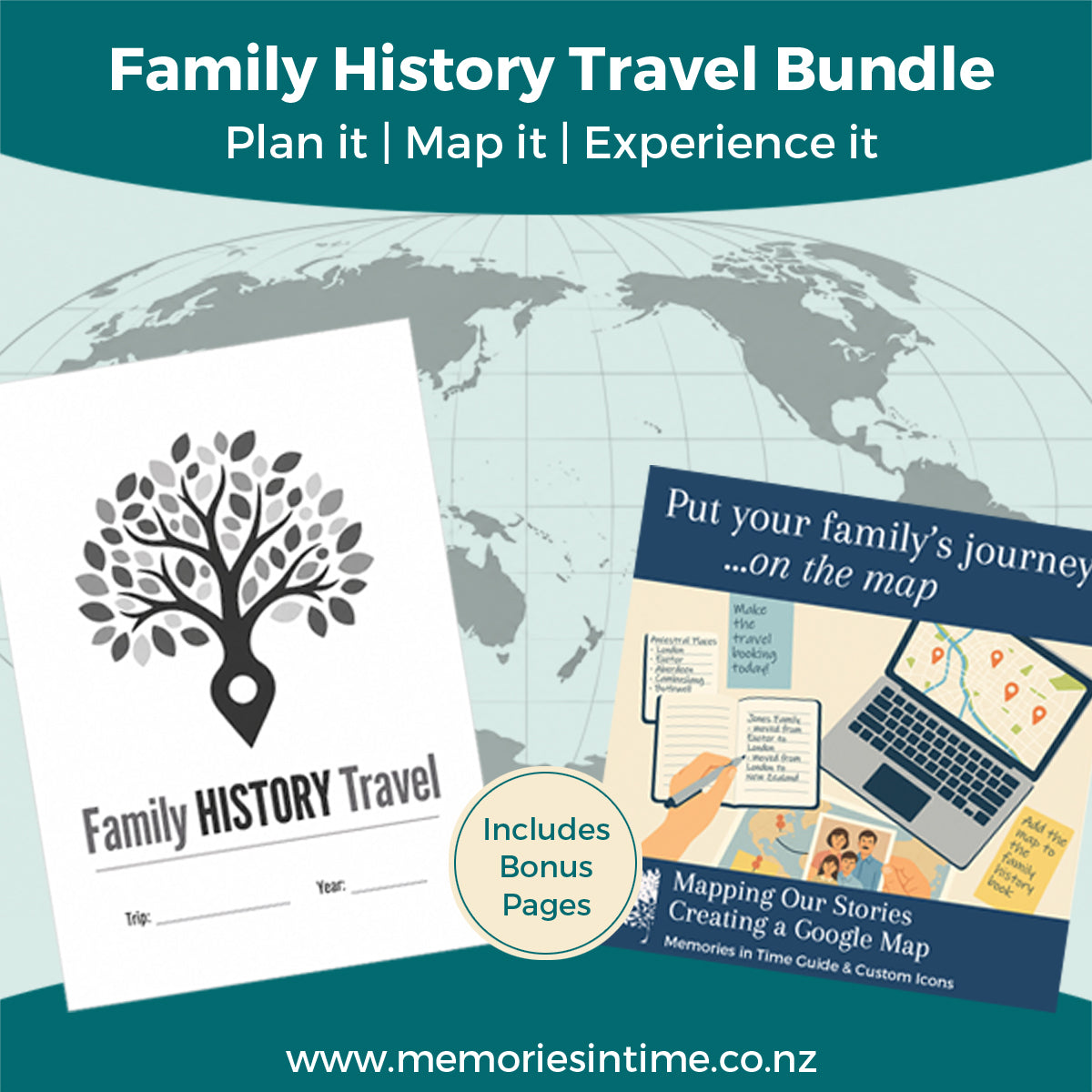
The Family History Travel Bundle brings together the Family History Travel Planner and Mapping Our Stories: Creating a Google Map, along with custom map icons and bonus pages to help you plan, organise and record your journey.
Whether you're visiting a town connected with one branch of your family, spending time researching in archives, or planning a longer overseas family history trip, the bundle helps you bring the research and the practicalities together.
Plan your family history trip
The Family History Travel Planner helps you move from a wish list of family places to a practical travel plan.
Keep track of the places you want to visit, repositories you plan to research in, people you'd like to meet, books to look for and photographs you want to take.
Then bring those family history plans together with accommodation, transport, packing and calendar pages so you can see how your trip fits together.
The planner is supplied as individual printable pages, allowing you to choose what you need and print additional copies for each trip.
Put your family's journey on the map
Mapping Our Stories: Creating a Google Map is an eight-page step-by-step guide to creating your own Google map for family history.
Use it to map the towns, streets, churches, cemeteries, repositories and other locations connected with your families. Seeing those places together can help you understand their geography and decide what can realistically be included in your itinerary.
The guide also comes with a set of custom map icons to help you organise and identify your locations.
Bonus pages
Choose the bundle and you'll also receive:
Large Trip Planner
See up to seven weeks of your journey on one large sheet. Ideal for longer trips where you want an at-a-glance overview. Supplied in A3 and Tabloid sizes.
Family History Travel Journal Pages
Optional printable pages for capturing the experiences, discoveries and moments you want to remember along the way. Supplied in A4 and US Letter sizes.
What's included
Family History Travel Planner
- Travel Wish List
- People to Meet
- Repository Planner
- Books to Buy
- Photos to Take
- Places to Visit Planner
- Yearly, Quarterly, Monthly, Weekly and Daily Planners
- Accommodation Planner
- Packing Checklist
- Travel Planner Guidance
- Optional printable cover
- A4 and US Letter versions
Mapping Our Stories
- 8-page Creating a Google Map guide
- Custom family history map icons
Bundle Bonuses
- Large Trip Planner in A3 and Tabloid
- Family History Travel Journal pages in A4 and US Letter
Created by a family historian, for family historians
I've developed these resources from my own experience of travelling for family history research: planning repository visits, exploring places connected with my family, mapping locations and managing all the practical details that go around the research.
They're designed to help you spend less time wondering whether you've remembered everything and more time experiencing the places that are part of your family's story.
Buy together and save
The Family History Travel Bundle brings together the Family History Travel Planner and Mapping Our Stories guide, along with bonus planning and travel journal pages. Buying the bundle gives you the complete collection for less than purchasing the products separately.
Plan the journey. Map the places. Discover your family's story.
Share
Download Instructions
Download Instructions
My digital products have an immediate download option once you purchase, but I also send you an email with a link to the downloads.
Downloads that are large or have multiple items in them will come as a Zip File. This allows me to send you one file or folder with everything you need in it.
When you download the files, these will either save to your Download folder on your computer or you may be given the choice of choosing where you download the files to (find out how to do this if you are using Google Chrome here). The main thing is to remember where you have saved them, so that you can find them again.
If your download is a Zip file then you next need to unzip it. On a PC you can right click on the file/folder name and choose "Extract All". This will then create an unzipped folder with the same name. On a Mac you can double-click on the .zip file to expand it. Once the file is unzipped you can then use it like any other file on your computer.
Subscribe to our emails
I love sending you news and tips that can help with your research and sharing family history.